February 24, 2025
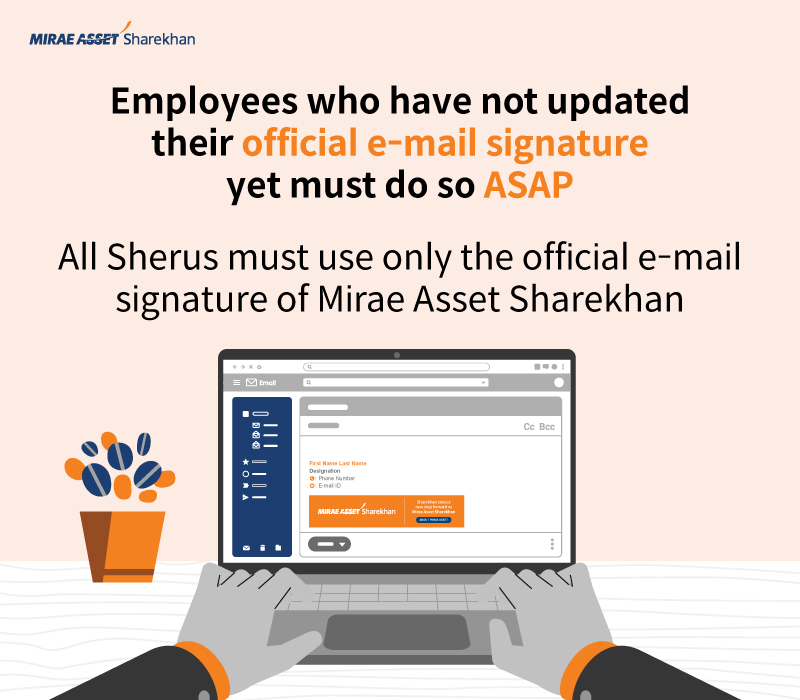
As part of the rebranding exercise on joining the Mirae Asset family, the official e-mail signature of Mirae Asset Sharekhan was shared with all employees of the organisation on November 28, 2025. Several reminders were also sent to the employees to update their e-mail signature. However, it has been observed that not all employees have adopted the new official e-mail signature of our organisation yet. If you too have not updated your e-mail signature yet, please do so now by selecting the e-mail signature template applicable to you. It will take only a couple of minutes.
Important note: In the e-mail signature templates given below, you will need to enter your own details, ie replace the details already given with your own. However, to maintain the style, do not delete the existing text fully, keep at least one alphabet in each line and type in your own details first. Delete the extra alphabets afterwards.
Download the e-mail signature template applicable to you
| Staff category | E-mail signature applicable (click the link to download) |
| Sharekhan One staff | https://www.sharekhan.com/MediaGalary/Newsletter/SO-with-CFD-Nov_24.html |
| Super Trader staff | https://www.sharekhan.com/MediaGalary/Newsletter/ST-with-MTF-Nov_24.html |
| Super Investor staff | https://www.sharekhan.com/MediaGalary/Newsletter/SI-with-CFD-Nov_24.html |
| Classic staff | https://www.sharekhan.com/MediaGalary/Newsletter/SC-with-CFD-Nov_24.html |
| Sales staff | https://www.sharekhan.com/MediaGalary/Newsletter/Sales-staff-with-CFD-Nov_24.html |
| HODs and Rest of Sharekhan staff | https://www.sharekhan.com/MediaGalary/Newsletter/HODs_and-Rest-of-staff-Nov-24.html |
| NBFC | https://www.sharekhan.com/MediaGalary/Newsletter/NBFC-Nov-24.html |
| Mirae Asset Sharekhan Education | https://www.sharekhan.com/MediaGalary/Newsletter/Sharekhan-education-Dec-24.html |
How to set up the new e-mail signature easily
|
It is super easy to set up the e-mail signature on your own. If you face any problem, please write to the Helpdesk team at helpdesk@sharekhan.com. They will guide you through the process.
| Published by Team Internal Communications |  |
| This newsletter is for internal circulation only. It may not be published, reproduced or quoted in part or in whole, nor may it be published on social media without prior consent. The content is strictly copyright and reproduction of the whole or part of it in any form is prohibited without written permission from the Internal Communications department of Mirae Asset Sharekhan. | |
| Join us on |  |
 |
 |
 |