May 5, 2020
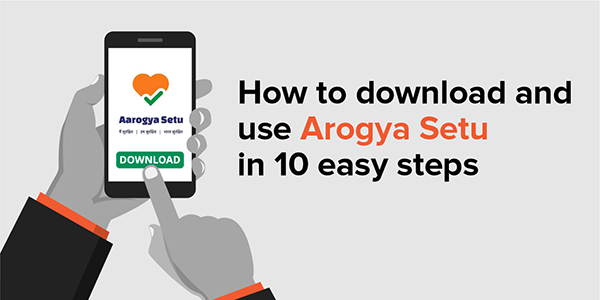
- Download and install the app from Google Playstore or Apple App Store depending on the operating system of your smartphone.
- Open the app.
- Select your language of choice.
- Read the instructions provided before registering for the app.
- Register the app by agreeing to the terms and conditions.
- Grant Bluetooth, location and other permissions.
- Enter the mobile number and verify it using the one-time password.
- Complete the set-up by answering the questions including those related to your profile and travel history.
- Take the Self-Assessment Test.
- Explore the features of the app before you start using it.
Every Sheru must download the Arogya Setu app today.
| Published by Team Internal Communications |  |
| Join us on |  |
 |
 |
 |
 |
 |