 |
|
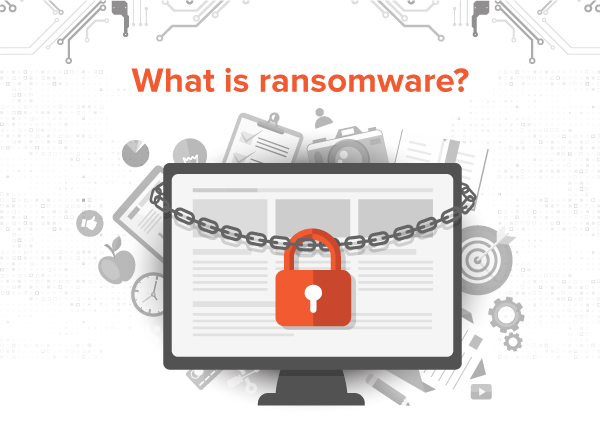
Ransomware is a type of malware which enters your computer system and restrict access to it, thus essentially taking your data hostage.
The malware demands that you pay a ransom in order to get the restriction removed.
|
| How will it affect you? |
 |
 |
|
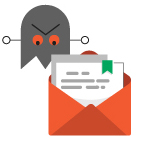
Phishing, those official-looking e-mails that invite you to click on a link or download a file, are the main entry point for an attack. Any simple official document could be hiding ransomware. |
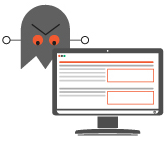
You may be downloading a virus without being aware of it when you use peer-to-peer services, download content from websites or when pop-ups ask you to update your plug-ins. In doing so. |
| 4 good reflexes to cultivate at the workplace |
|
Even if you feel protected by the information system of the organisation, you may still be vulnerable to ransomware.
|
 |
 |
Do not store your data on
your workstation |
Pay close attention to
your inbox |
| Once installed on your workstation,
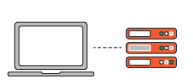
the ransomware will encrypt your files making them unusable. Data stored locally may, therefore, be impossible to recover. Save all your files on the network. |
Pay special attention to messages containing attachments or links to websites. When in doubt, do not open the attached or downloaded file. Bring it to the attention of your local security correspondents for analysis. |
 |
 |
Comply with security
instructions |
Be suspicious of too-good-to-be-true opportunities |
| Do not disable the protective measures installed on your workstation. |
If you do not know where software or files have come from, do not download them. |
| Published by Team Internal Communications |
 |
|
|
|


